kizzard

joined 2 years ago
1
submitted 10 months ago* (last edited 10 months ago) by kizzard@lemmy.world to c/sffpc@lemmy.world
 

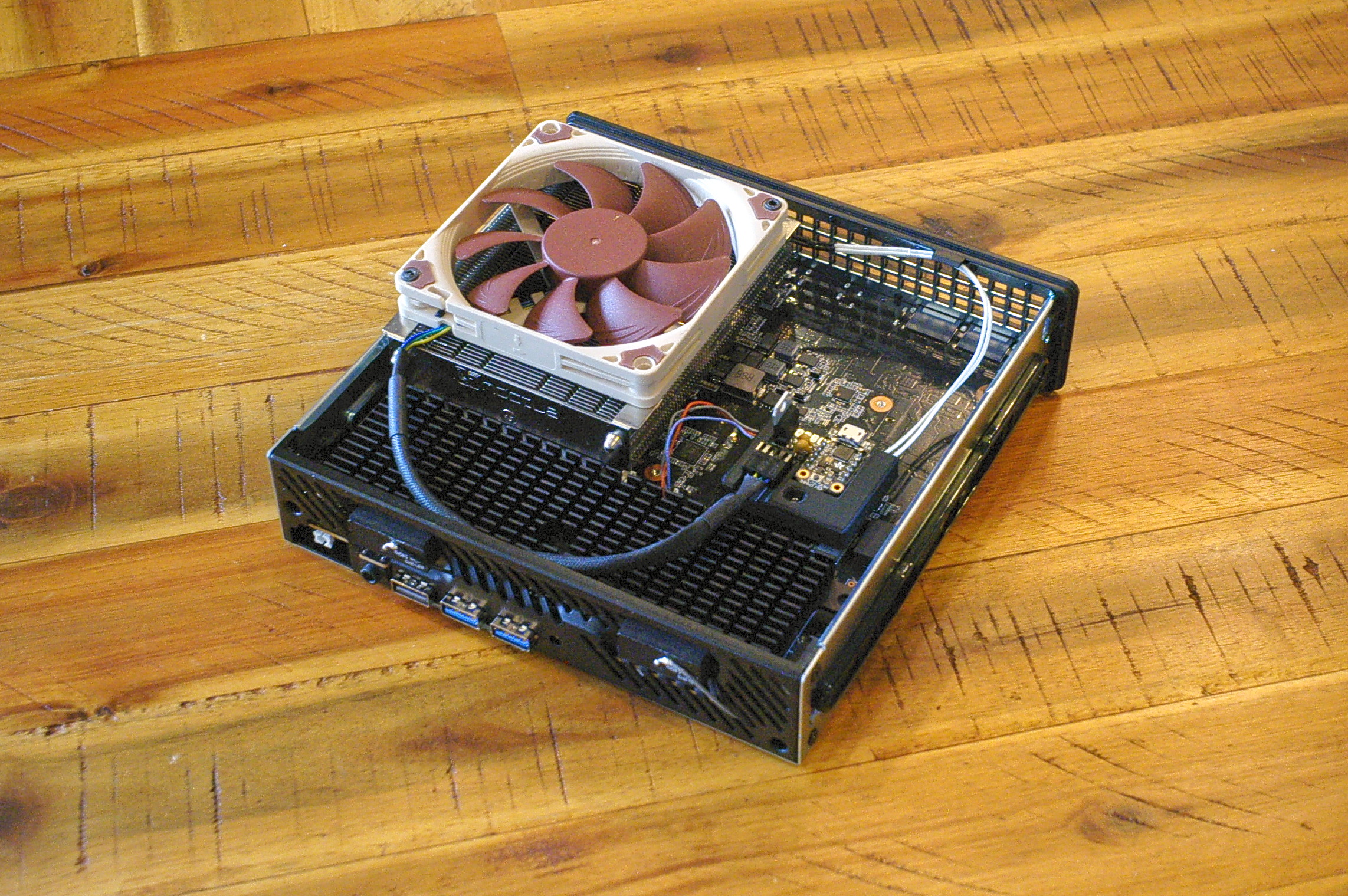
I had a Gigabyte ITX motherboard with an 8700G in a Goodisory A01 case which made a pretty great APU build. However I couldn't help feeling that the ~30W idle was a little disappointing. I tried swapping my CPU and SSD into the MinisForum MS-A1 which runs on average 20W lower. (At idle, that's about 65% less power). This thing is drawing nearly the same power as an 8th gen i3 NUC now. However the cooler on the MS-A1 leaves a lot to be desired. It's kind of loud, audible even at the lowest settings, there's no custom fan curve in the UEFI, and it isn't even that effective. I wanted to throw my Noctua NH-L9i on it, but the cooler mounting holes aren't AM5 spec and the case doesn't fit anymore. So I designed and 3D printed my own cooler mounts and case to match. I also designed a custom fan controller with a thermistor to monitor the heatsink temperature and control the fan speed. It plugs into the existing 4 pin micro-jst connector on the board and can be programmed with simple low / high temperature and associated PWM duty cycles.

This thing now idles at 12W, 28c, and in complete silence. At maximum synthetic 16 core CPU load, it drinks 70W and hits around 60C, and under a typical gaming load it only hits 50C, and the cooler is much quieter than stock. I am running the CPU in the AMD 35W UEFI power profile as I find it barely impacts performance but keeps things considerably cooler.

I uploaded the cooler mount and the case to Printables in case any one is interested to make their own:

4
submitted 2 years ago* (last edited 2 years ago) by kizzard@lemmy.world to c/3dprinting@lemmy.world
 

Videos:

I threw together this robot in a couple of days to inspect my HVAC duct and pull a cable (side note: I’m aware it’s generally advised against to run a cable through a duct, but I live in LA and we don’t have heating in our HVAC system so I don’t see it as a problem)

It's a pretty bare-bones platform, designed to be as simple as possible for a quick design + build using parts I had on-hand.

The vehicle is powered by small geared 28BYJ-48 Stepper motors driven by ULN2003 drivers, controlled with an ESP32 Cam development board. It’s a decent board for the application as it has wifi, a camera and a bright forward facing LED. The board does not have the necessary 8 GPIO pins to drive the ULN chips, so I used a 8 bit shift register.

I originally intended it to be powered by an 18650 battery but I had problems using a boost converter to get the required current to drive the electronics at 5v. the board is pretty power hungry, and coupled with the steppers and high power LED, it wouldn't even boot. I resorted to using 2 lithium polymer batteries in series to achieve 7.2v with no boost converter, which worked well enough. Even then, use of the LED kept causing brown-outs and reboots so I resorted to lowering it to 1/4 duty cycle which fixed the problem.

I used Micropython and the Picoweb framework to serve a REST API for rover control and a web page to provide a UI:

The rover was designed in FreeCAD and printed on my Voron 0 using PLA. The tires were printed in NinjaFlex TPU which is a very flexible rubber like plastic, in order to provide more traction.

The rover suffered from the aforementioned brown-outs due to the LED power requirements and also struggled to turn in certain locations in the ducts due to traction limitations and as side effect of being 2WD, but ultimately succeeded at what I needed.


Recently I've been having feelings about moving away from Fusion 360. The combination of cloud app / filesystem and their demonstrated willingness to remove features and add arbitrary limitations (eg. 10 editable model limit) makes me feel uneasy about using it. To be clear I'm grateful that AutoDesk provide a free license at all, and it's an incredible piece of software, but I have a sense of vulnerability while using and honing my skills in it. If you've ever rented a house you'll know the feeling - you quite don't feel like it's really your home, if the landlord wants to make renovate or redecorate you don't have any choice and you could be evicted at any moment.

So I tried FreeCAD. At first, I have to say that it felt a little like stepping out of a spaceship (Fusion) and banging rocks together like a caveman. It's not that you can't do (most) of the same things as an enterprise CAD package, but the killer feature of Fusion is the level of intuitiveness and "it just works" that makes FreeCAD seem like trying to write Latin.

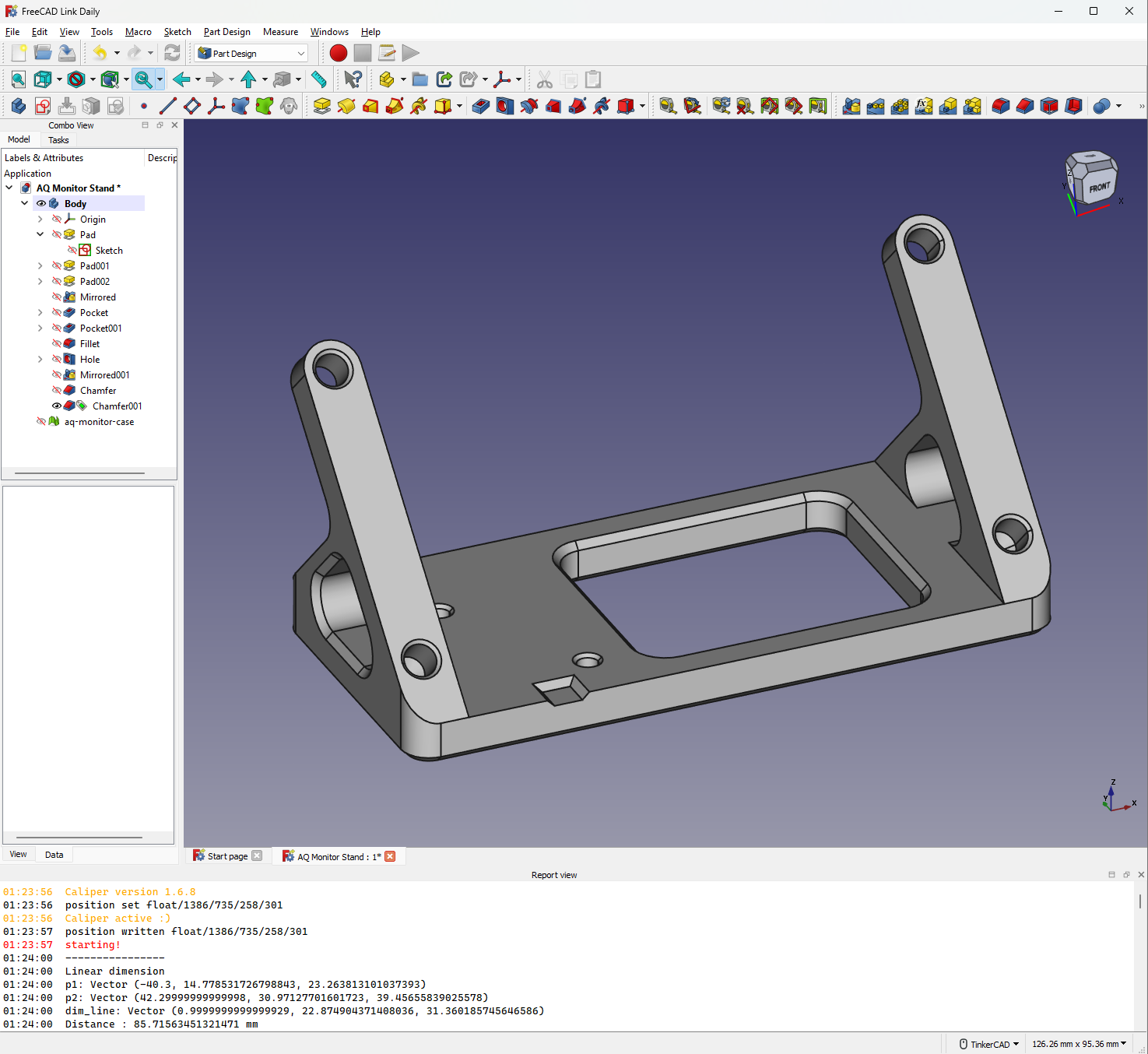
After a week of on-and-off learning I was not sure I wanted to continue. Even after getting comfortable with the basics, frustration levels would spike to 11 sometimes. The main issue I kept running into was that altering a previous feature would break everything that came after, requiring a varying amount of work to fix. The FreeCAD wiki suggests ways to mitigate this but many of them are un-intuitive and/or inconvenient. After some googling this seems to be caused by a pretty difficult to solve issue called the "Topological Naming Problem" (where FreeCAD can't keep track of surfaces / edges / vertexes in a stable fashion when features are changed). Then I came across this blog post that pointed out a fix has actually been developed earlier this year. A developer by the name of RealThunder has created a fork of FreeCAD called "Link Branch" which can track topology in a (more) stable fashion.

I tried this branch and was blown away by how much more usable it is. Not only can it handle changes to past features almost perfectly, but I can create multiple bodies from a single sketch (not possible before) and there are other UI tweaks that make creating features easier such as the ability to preview fillets and chamfers at the same time as selecting their edges. I'm not totally sure which of these features are unique to Link branch vs which might be pre-release in the main branch, but certainly the topology naming fix is unique to Link.

So if you have tried FreeCAD in the past and been frustrated, or if Fusion's past free license changes or price increases are making you uneasy, give the Link Branch a try! Downloads are available in the releases page.