this post was submitted on 23 Aug 2025
42 points (92.0% liked)

Asklemmy

54031 readers
893 users here now

A loosely moderated place to ask open-ended questions

Search asklemmy ๐Ÿ”

If your post meets the following criteria, it's welcome here!

  1. Open-ended question
  2. Not offensive: at this point, we do not have the bandwidth to moderate overtly political discussions. Assume best intent and be excellent to each other.
  3. Not regarding using or support for Lemmy: context, see the list of support communities and tools for finding communities below
  4. Not ad nauseam inducing: please make sure it is a question that would be new to most members
  5. An actual topic of discussion

Looking for support?

Looking for a community?

~Icon~ ~by~ ~@Double_A@discuss.tchncs.de~

founded 7 years ago
MODERATORS
 

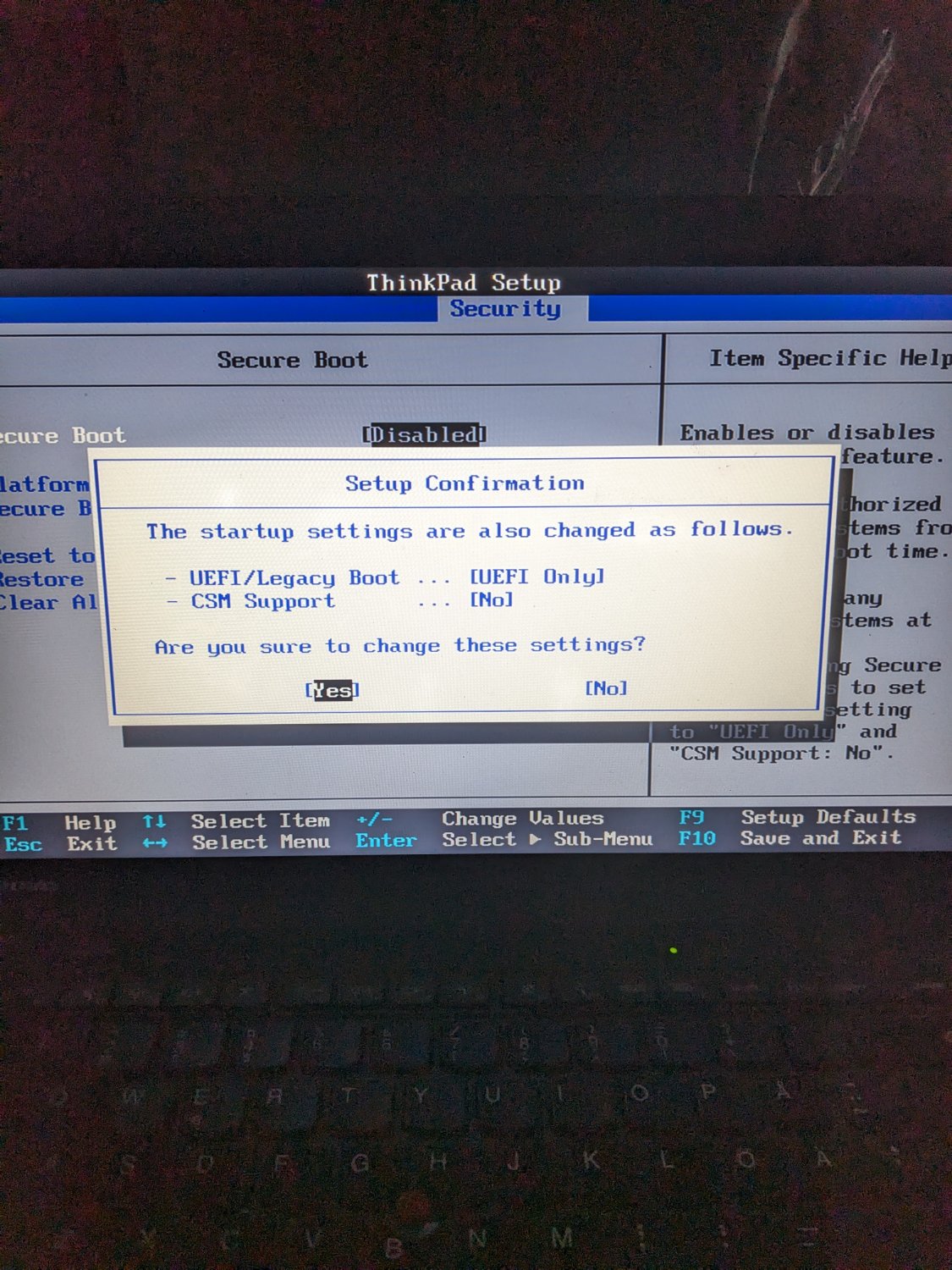
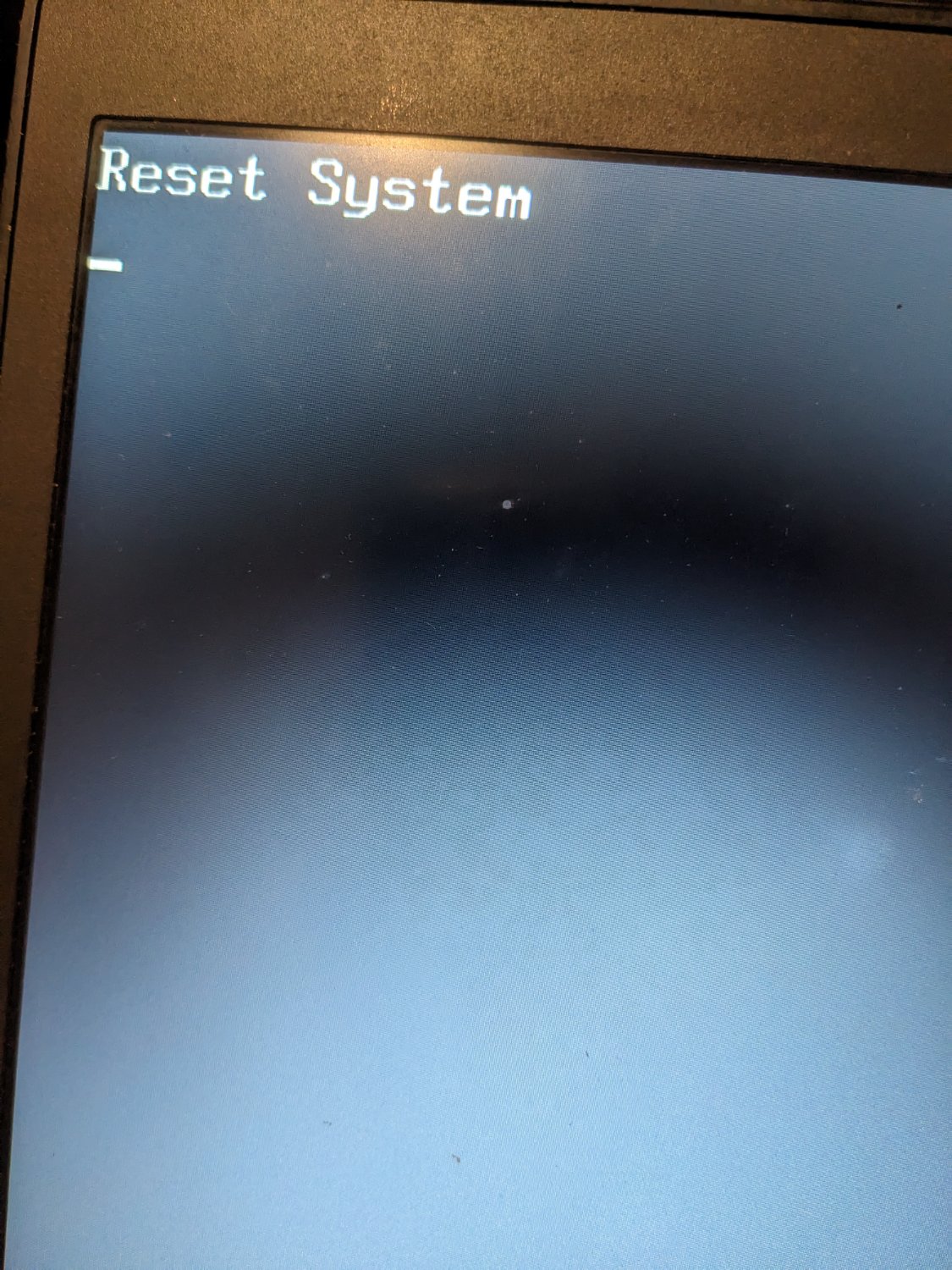
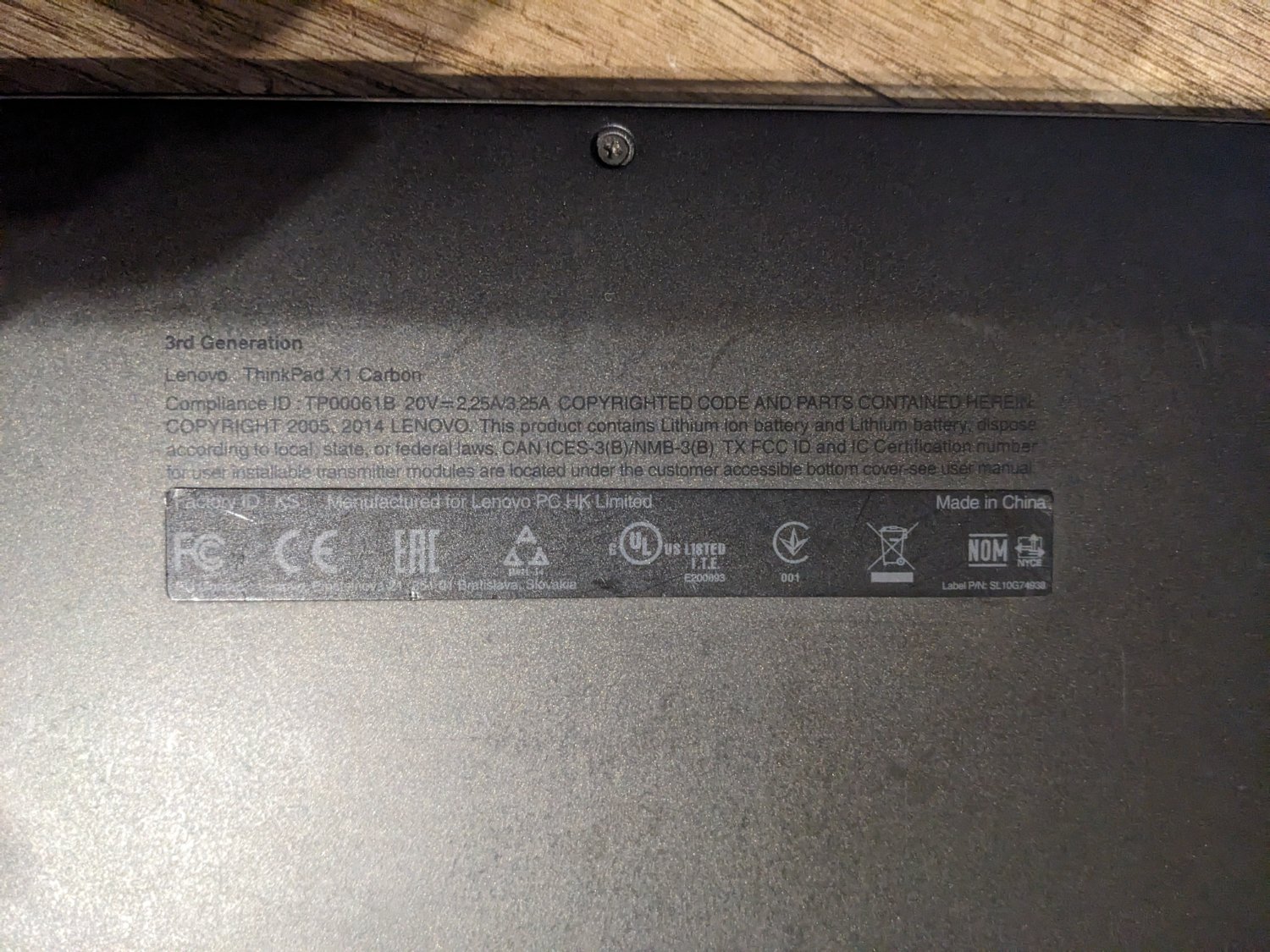
Did I just bricked my laptop? I reinstalled ubuntu but after rebooting it would fall into bootloop with a "reset system" message. In the tutorial I read that sometimes it helps to enable secure boot, well I did that but now I can't get into BIOS/UEFI at all. Laptop: lenovo thinkpad x1 carbon 3rd Anyone could help somehow?

all 16 comments
sorted by: hot top controversial new old
[โ€“] gamedeviancy@discuss.tchncs.de 12 points 8 months ago* (last edited 8 months ago) (1 children)

Thank you all very much for your replies and help. Removing the disk and battery helped, the laptop turned on to UEFI settings. But does anyone have an idea how to solve this bootloop with Ubuntu now? Fresh system and partitioning through the default settings of the ubuntu 25.04 installer. When I turn it on this message appears for a few seconds and then the computer resets. One tutorial on the internet told me to turn on secure boot but as you can see from my first post it didn't do anything.
[โ€“] gamedeviancy@discuss.tchncs.de 15 points 8 months ago

Solved. I found a boot-repair tool. Run it from live CD and it repaired my ubuntu installation. Thanks for answers and help!

[โ€“] redlemace@lemmy.world 10 points 8 months ago (1 children)
  • Power off. Power on and keep pressing to get into bios
  • Turn off secure boot again
  • Exit and save values
  • Keep pressing to get into the boot menu
  • Try booting linux and take it from there
[โ€“] gamedeviancy@discuss.tchncs.de 1 points 8 months ago (2 children)

I tried it and it doesn't work. Also I tried to reset by emergency reset hole and it also doesn't work

[โ€“] redlemace@lemmy.world 4 points 8 months ago

You could try and remove the power supply, the batteries and the cmos battery. Then use the power-on button a few times (won't start but could help drain all components of residual charges.

Now put it all together again and hope for the best.

[โ€“] LecternCistern@sopuli.xyz 1 points 8 months ago (1 children)

Are you meaning that you cannot power off?

I can but it doesn't help. When I turn it back on, the same message appears and I still can't do anything.

[โ€“] Otherbarry@lemmy.frozeninferno.xyz 3 points 8 months ago* (last edited 8 months ago)

In the tutorial I read that sometimes it helps to enable secure boot

Just as an FYI, normally you would enable or disable secure boot before installing an OS, not after the fact. Otherwise you usually end up breaking the boot process.

Normally you should be able to hit Enter and then follow prompts to get into the BIOS. Maybe hit ENTER then just keep hitting whatever key you were using to get into the BIOS prior (F2, DEL, etc.).

If none of that works try powering off, removing the hard drive, then power back on & see if that lets you get back into the BIOS.

If that still doesn't work I suspect the laptop is still stuck in power on mode, maybe the internal battery is keeping it on. Try to see if you can actually power it off for real e.g. hold the power button down for x seconds until you see lights go out. Try to keep an eye on how the laptop behaves when powered on vs lower power mode vs full power off.

[โ€“] gamedeviancy@discuss.tchncs.de 2 points 8 months ago (1 children)

Photo moments before the tragedy. I changed these settings.

[โ€“] MadMadBunny@lemmy.ca 4 points 8 months ago (1 children)
[โ€“] gamedeviancy@discuss.tchncs.de 3 points 8 months ago (1 children)

I can't get into BIOS setting, it's stuck on the message from my first post.

[โ€“] i_am_not_a_robot@feddit.uk 8 points 8 months ago (1 children)

Press Enter.

I see from your photo that it's a Lenovo - pressing Enter to interrupt normal startup will give you a menu which then lets you get into the BIOS.

If it doesn't go past the "press Enter" point you might need to remove the HDD (or whatever storage it has) and try again. Reconnect once you've changed the settings back.

Removing SSD and battery help. Thank you.