this post was submitted on 30 Dec 2024
1 points (100.0% liked)

Unixporn

19675 readers
2 users here now

Unixporn

Submit screenshots of all your *NIX desktops, themes, and nifty configurations, or submit anything else that will make themers happy. Maybe a server running on an Amiga, or a Thinkpad signed by Bjarne Stroustrup? Show the world how pretty your computer can be!

Rules

  1. Post On-Topic
  2. No Defaults
  3. Busy Screenshots
  4. Use High-Quality Images
  5. Include a Details Comment
  6. No NSFW
  7. No Racism or use of racist terms

founded 7 years ago
MODERATORS
 

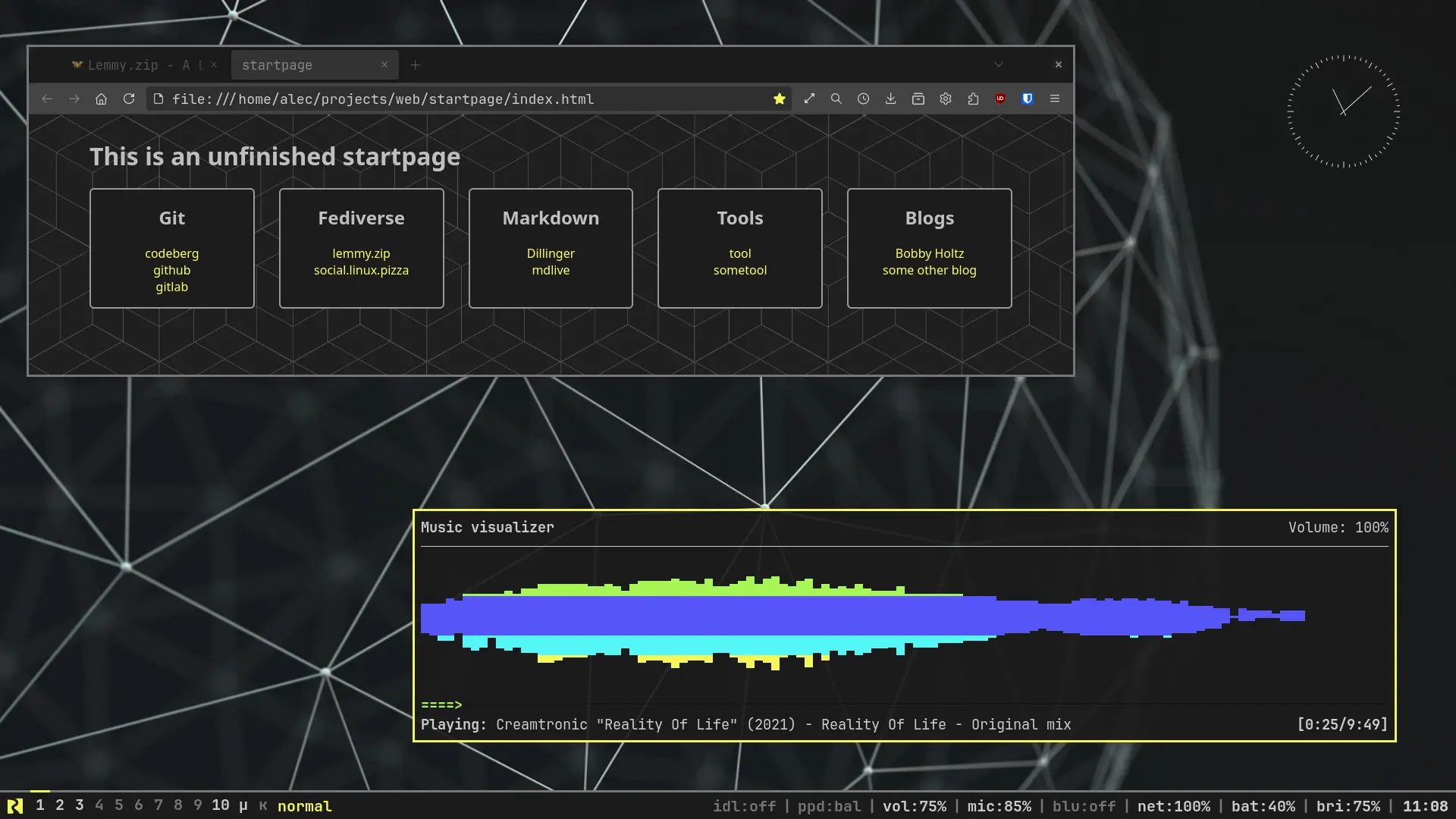
librewolf + ncmpcpp

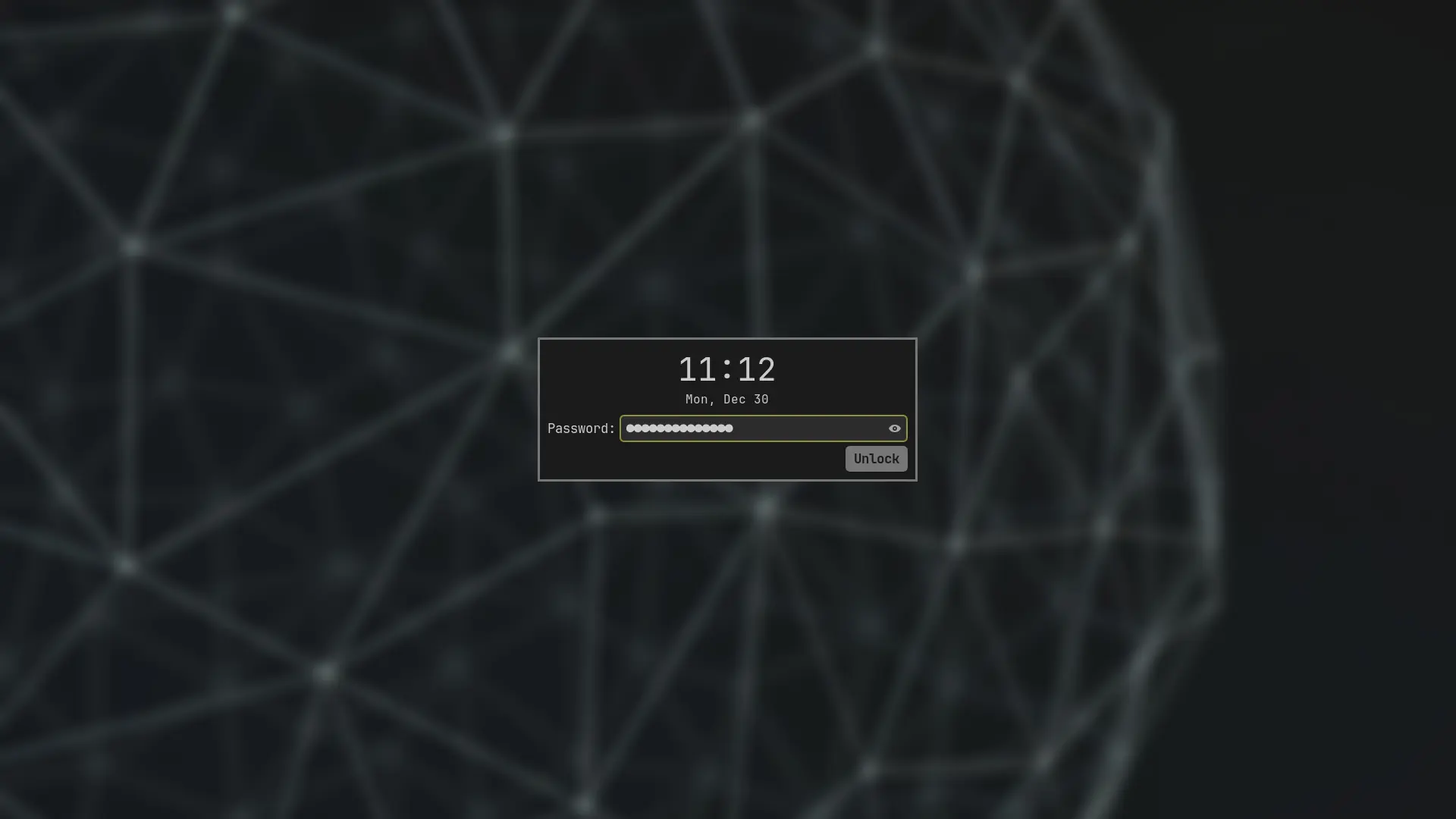
gtklock


After having my desktop look like a rainbow for a long time I went for the opposite end. It's not a very cheerful color-scheme but my eyes suffer much less after long hours behind the screen.

Anyway, thank you all for introducing me into this new world just about a year ago.
top 4 comments
sorted by: hot top controversial new old
[–] yrmitz@lemmy.ml 0 points 1 year ago (1 children)

Do you still have your Waybar settings stored somewhere? Your Codeberg gives me 404.

[–] 299792458ms@lemmy.zip 0 points 1 year ago (1 children)

I do, moved my account to a new one.

old dotfiles

current dotfiles

The Waybar configuration you are looking for is in the old repo, it should have the same custom theme and everything. enjoy!

[–] yrmitz@lemmy.ml 0 points 1 year ago* (last edited 1 year ago)

Thanks for nice template to tinker with. I like how clear it looks without nerd symbols or anything flashy. You got my star :)

[–] taaz@biglemmowski.win 0 points 2 years ago* (last edited 2 years ago)

This is very similar to my edited powerarrow-dark theme for Awesome WM, I would very much love to see what utilites you used for this (waybar?) as well as the dotfiles:>

Edit: I think jerboa is not handling the post correctly, from the feed I can see some notes but if I open this post there is just the images and story