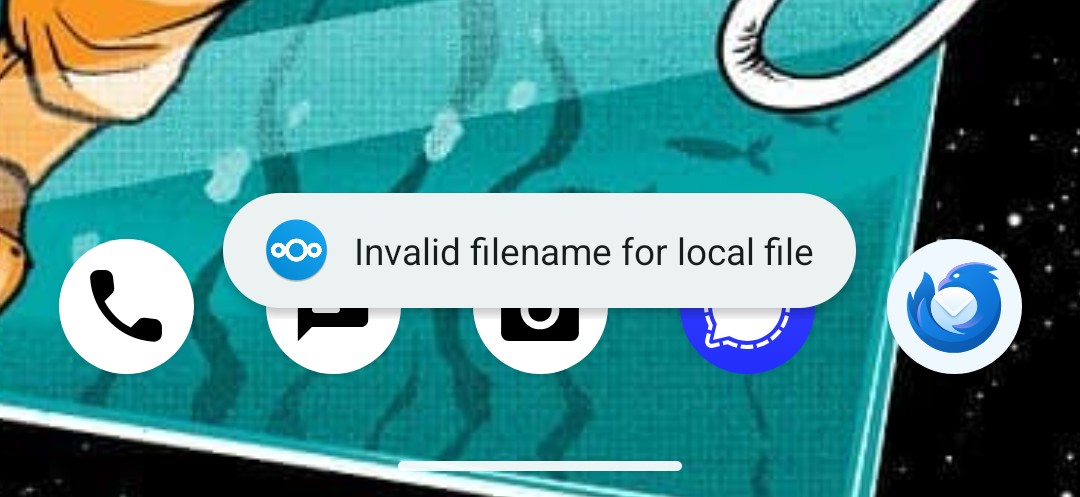
I've run into this when one person on a network is using Linux or Mac, and another Windows. They have different filename rules.
Selfhosted
A place to share alternatives to popular online services that can be self-hosted without giving up privacy or locking you into a service you don't control.
Rules:
-
Be civil.
-
No spam.
-
Posts are to be related to self-hosting.
-
Don't duplicate the full text of your blog or readme if you're providing a link.
-
Submission headline should match the article title.
-
No trolling.
-
Promotion posts require active participation, with an account that is at least 30 days old. F/LOSS without a paywall has exceptions, with requirements. See the rules link for details. Tags [CBH] or [AIP] are required, see the links in Rule 8 for details.
-
AI-related discussions and AI-involved promotional posts have additional requirements for tagging, as noted in Rule 7 and the AI & Promotional Post Expanded Rules post, and find example disclosures here.
Resources:
- selfh.st Newsletter and index of selfhosted software and apps
- awesome-selfhosted software
- awesome-sysadmin resources
- Self-Hosted Podcast from Jupiter Broadcasting
Any issues on the community? Report it using the report flag.
Questions? DM the mods!

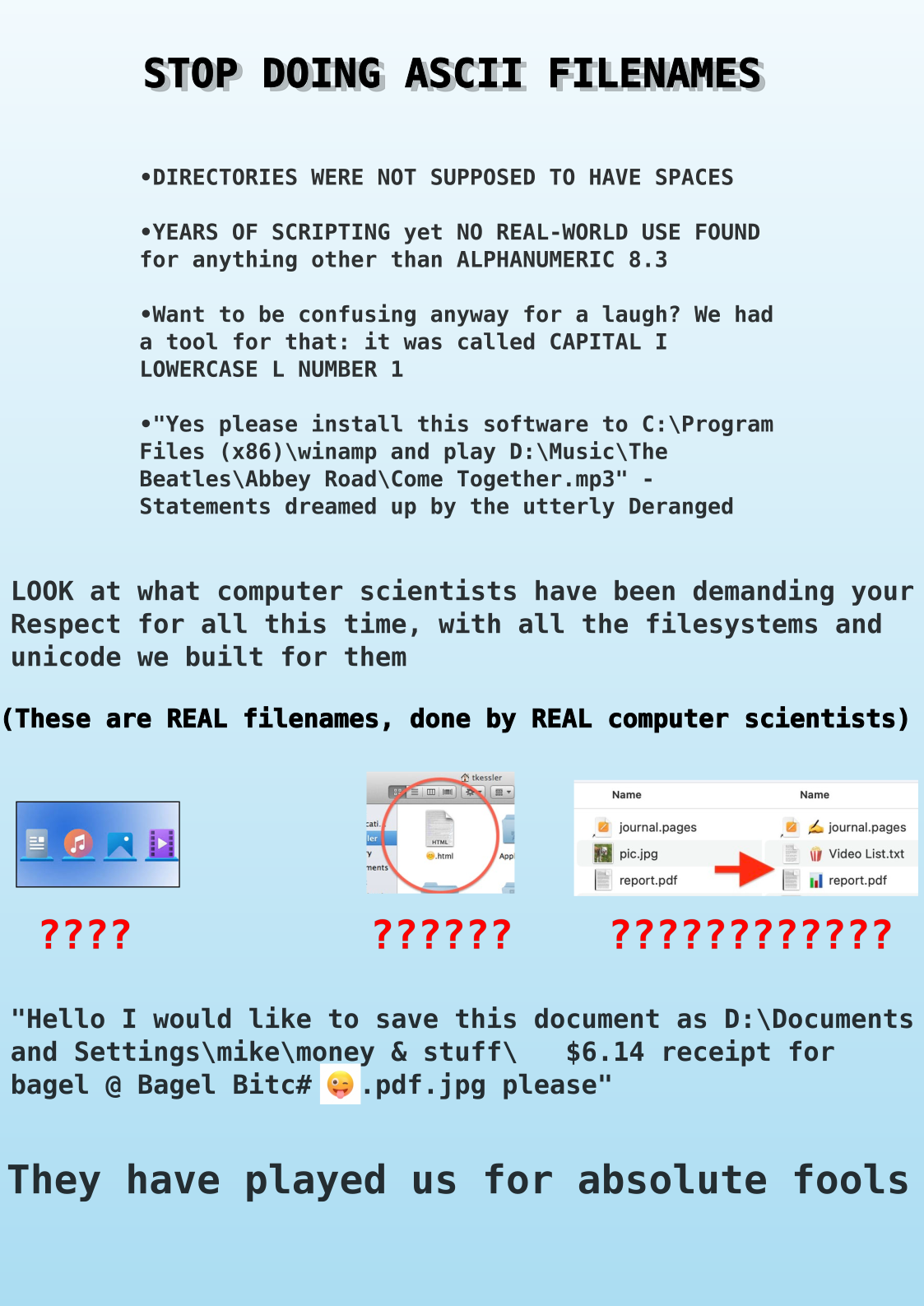
That whole thing is incoherent
I think that's the point (.txt)
So true tho
I'd rather be played for a relative fool.
Having just dealt with something similar from Linux to windows, I'm 97% sure this is the cause. Mine was a "same file name" issue because capitalization.
Also, it could be a temp file or hidden file that's created by a program, like the recovery files made by libreoffice/word. They sometimes use weird characters.
Maybe take a look into the settings->advanced and at the bottom there should be the log files for the app. There should be at least more info
I dont see advanced settings in the mobile app, i even checked logs in the computer hosting the NC, but nothing as to what files might be causing the errors
I stopped using nextcloud after syncing suddenly broke for me, but in the app on my phone I could pull up the list of files with sync errors. It should be somewhere in the sync setting section.
Probably is .htaccess file. Or, a file with ~ in the filename. I switched to syncthing because of this shit.
Another thing to check is the file path. Most systems abide by a 255 character limit and that limit can be crossed by parent folders having too many words in them.
If you're running nc locally, check the logs, maybe there's something relevant in there.
I checked the computer that is hosting my NC but dont see anything that would say these files are the issue.