Git

4687 readers
2 users here now

Git is a free and open source distributed version control system designed to handle everything from small to very large projects with speed and efficiency.

Resources

Rules

  1. Follow programming.dev rules
  2. Be excellent to each other, no hostility towards users for any reason
  3. No spam of tools/companies/advertisements. It’s OK to post your own stuff part of the time, but the primary use of the community should not be self-promotion.

Git Logo by Jason Long is licensed under the Creative Commons Attribution 3.0 Unported License.

founded 3 years ago
MODERATORS
76
77
78
79
80
81
82
83
0
submitted 11 months ago* (last edited 11 months ago) by zujaj@me.dm to c/git@programming.dev


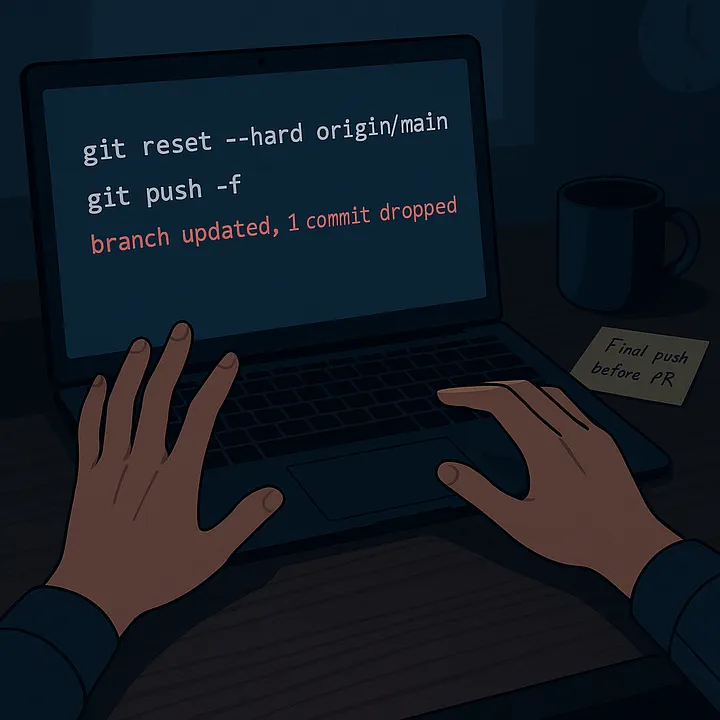
One accidental push… and we lost 3 weeks of hard work.

This is a real story. I force-pushed my colleague's Git branch.

But thanks to reflog, it got recovered.

If you're a developer using Git, this Medium article could save you, too.

Read the full story here:

https://levelup.gitconnected.com/three-weeks-of-code-gone-one-git-tool-saved-it-1508ade8f6ca?sk=ef06f58d66e183f0c62fa4d8b1dc6e54

#git #versioncontrol #linux #macos #windows #programming #software #technology #Medium #chatgpt #terminal #mastodon @thepracticaldev @git @linux
84
85
86
87
1
Git v2.50.0 released (lore.kernel.org)
submitted 1 year ago* (last edited 1 year ago) by neme@lemm.ee to c/git@programming.dev
88
89
90
91
92
93
94
95


For those familiar with Git terminology:

The simplest way to assemble a triangular workflow is to set the branch’s merge key to a different branch name, like so:

[branch “branch”]
   remote = origin
   merge = refs/heads/default

This will result in the branch pullRef as origin/default, but pushRef as origin/branch, as shown in Figure 9.

Working with triangular forks requires a bit more customization than triangular branches because we are dealing with multiple remotes. […]

96


Hi, folks! I'm trying to send commits from origin to another branch:

git push -uf origin foo2

Then I gets it:

branch 'foo' set up to track 'origin/foo2'.

But when I'm trying to do this:

git push -uf origin origin/foo2

It writes me:

Everything up-to-date

And commits don't be sent.

Now I'm using 'foo' branch.

And the list of changes:

changed: scripts/file1.gd

changed: scripts/file2.gd

changed: scripts/file3.gd

Is still not empty. After I sends commits - nothing changes.

I don't know what do I do wrong. Can you help me? 🤷🏻‍♂️

97
98
99
100
view more: ‹ prev next ›